
Available Options
More from this brand
Avoid web threats
Defend against ransomware and other online dangers.
Protect your email
Keep scams out of your inbox.
Browse safely
Block dangerous websites that can steal personal data.
Stop viruses :-
Prevent malicious software attacks.
Secure your connected world
Block viruses, spyware, and other malicious software, so you can enjoy your digital life safely.
Stop cyber criminals from taking your data hostage
Protect against the newest types of attacks, including ransomware, which can encrypt your files until you pay off the bad guys
Clear and easy to use
Get security without complexity. Intuitive settings and clear status reports make safety simple.
System requirements :-
Microsoft® Windows® 7 (all versions) with Service Pack 1 (SP 1) or later
Microsoft® Windows® 8.1 (Windows 8.1 still supported).
Microsoft® Windows® 10 (Windows 10 S and ARM Processors not supported) .
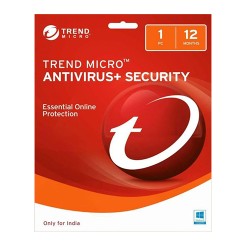
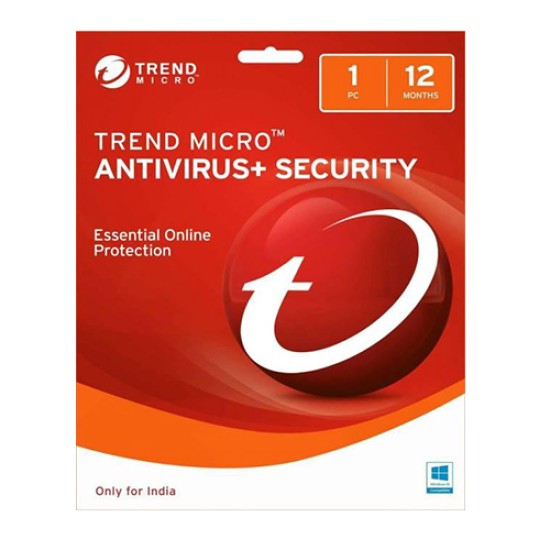
How To Install Trend Micro Antivirus+Security 1 User 1 Year :-
Download Trend Micro.
https://gr.trendmicro.com/GREntry/NonPayment?Target=Installers&OS=&SP=&PID=TiEL&FunID=FullInstall&VID=&Locale=
Double-click the downloaded file to run the installer.
If the User Account Control window appears, click Yes.
Follow the instructions to complete the installation.
Fill out the account information to activate your protection.
| Friendly and professional Paid support to help with smooth installation | |

| Fast and convenient product delivery via email | |

| 100% Authentic Licences | |
| Bulk orders (email to: Support@Indiaantivirus.in) |